
Latest Version
Type App Inc
iOS
Free
979735370
Report a Problem
More About TypeApp Email, Mail & Exchange
The Challenge of Managing Multiple Email Accounts
For modern professionals, managing digital communication often feels like a constant battle against clutter. Jumping between different email clients, missing critical notifications, and drowning in a sea of unorganized messages can severely impact daily productivity. The TypeApp Email, Mail & Exchange app for iOS offers a sophisticated solution to this exact problem, centralizing your entire communication workflow into a singular, highly customizable hub.
A Seamless Unified Inbox Experience
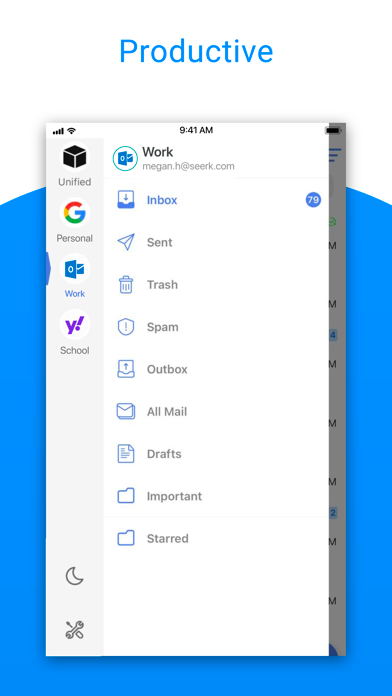
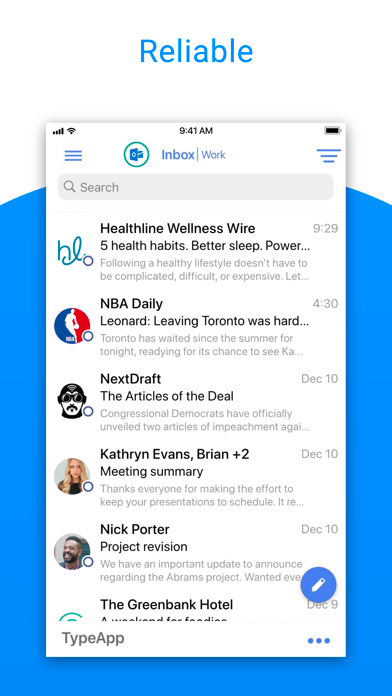
At its core, TypeApp Email, Mail & Exchange is designed to aggregate your accounts without complicating your workflow. Whether you use IMAP, POP3, or Exchange protocols, the application automatically configures your settings upon sign-in. Once connected, you can view and synchronize all of your incoming mail within a single, highly responsive interface. This eliminates the need to cycle through separate apps or browser tabs just to stay updated.
Intelligent Organization and Smart Clusters
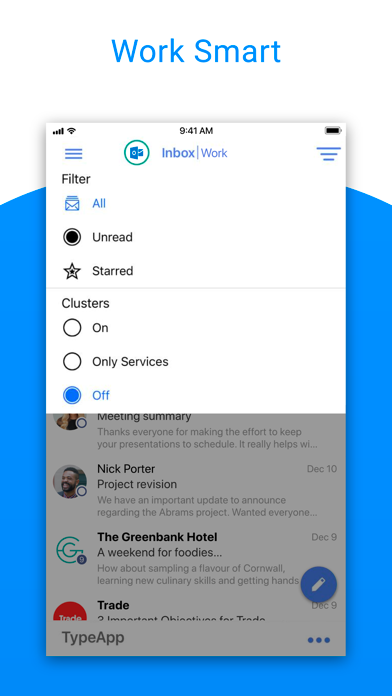
One of the standout features of this communication suite is its ability to organize messages dynamically. Rather than presenting you with an overwhelming list of individual emails, the app utilizes smart "Clusters." This technology automatically groups relevant emails from specific senders or services into single, expandable slots. From there, you can perform bulk actions—such as moving, deleting, or marking entire clusters as spam—with just a few taps. You can also customize notification sounds for specific services, giving you immediate context before you even open your phone.
Advanced Customization and Security
To ensure your correspondence remains private and tailored to your lifestyle, the app provides several advanced options:
- Robust Security: Protect your sensitive correspondence using Touch ID or passcode integration.
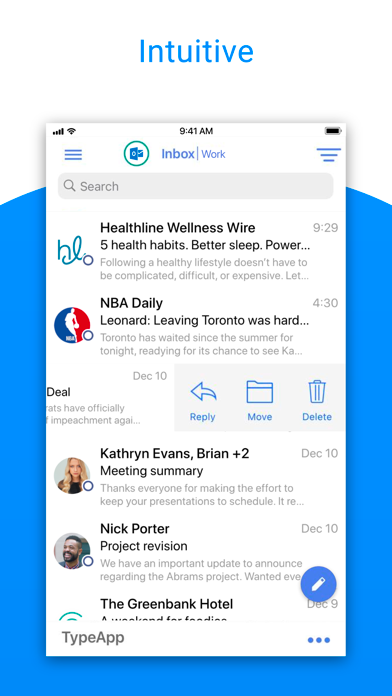
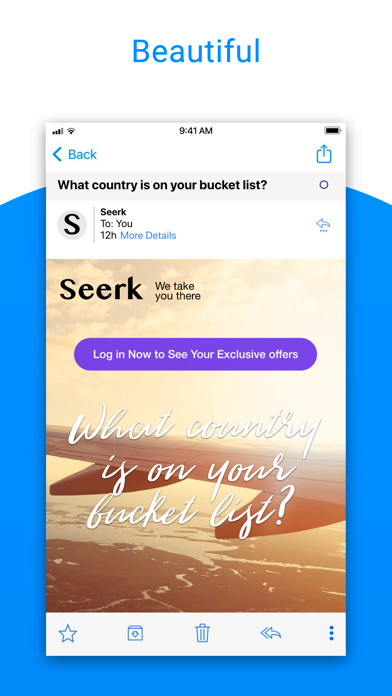
- Visual Markers: Color-code individual accounts, display sender avatars, and show service logos to scan your inbox at a glance.
- Smart Notifications: Set quiet hours with a dedicated "Do Not Disturb" mode and take immediate action directly from your device's lock screen.
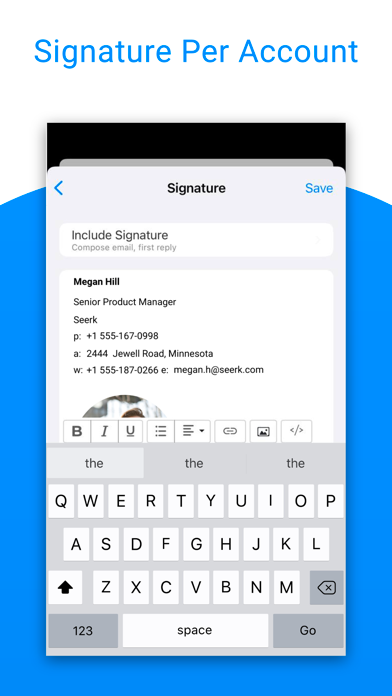
- Rich-Text Signatures: Design professional signatures using bold, italic, and other stylistic formatting choices.
- Days to Sync: Optimize your device's storage by selecting exactly how many days of email history to cache for offline access.
Is It Right for You?
If you are looking to replace a basic stock mail client with a more robust, highly customizable productivity tool, this application is a strong contender. Its balance of visual clarity, intelligent message clustering, and multi-protocol support makes it an excellent choice for power users and busy professionals alike. To see if it matches your organizational style, you can explore the app further on the official iOS App Store.
Rate the App
User Reviews
Popular Apps








Editor's Choice