

Latest Version
Christian Boxdörfer
Health
Linux
Free
io.github.cboxdoerfer.FSearch
Report a Problem
More About FSearch
While most modern desktop environments come with built-in search tools, they often feel sluggish or resource-heavy when scanning deep directory trees. The FSearch Linux file search utility stands out immediately by delivering near-instantaneous results as you type, bypassing the bloat of traditional indexing services to offer a remarkably streamlined desktop experience.
Why FSearch Linux File Search Changes the Game
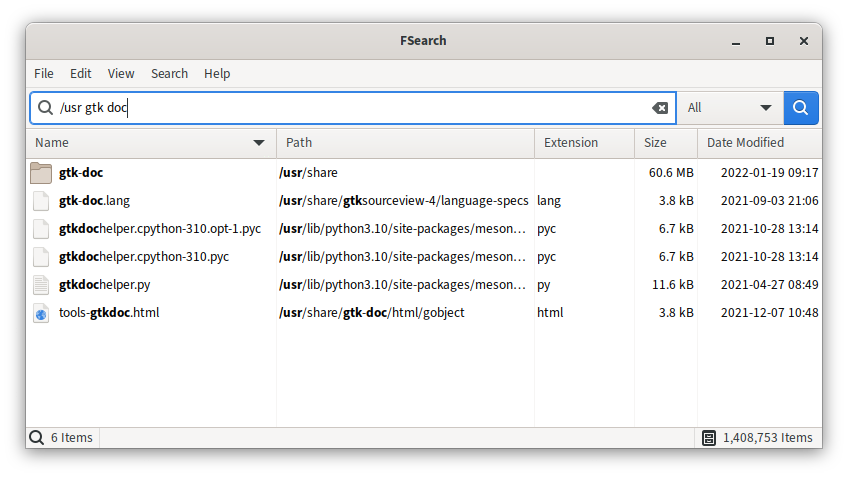
Developed by Christian Boxdörfer, this open-source graphical application is built specifically for users who need to locate files and folders without waiting. By focusing purely on speed and efficiency, it provides an interface where search results appear dynamically with every keystroke. Whether you are dealing with thousands of documents or complex development environments, it minimizes downtime drastically.
Advanced Querying and Filtering Capabilities
This utility is not just fast; it is also highly customizable. It accommodates both casual users and power users who require precise query syntax. Key features include:
- Case-Insensitive Searching: Easily find items regardless of capitalization (e.g., searching for "fsearch" will seamlessly match "FSearch").
- Wildcard and Regex Support: Use regular expressions and wildcards to pinpoint complex file patterns.
- Targeted Content Filters: Narrow down your search parameters instantly to specific categories, such as audio files or documents.
- Exclude Rules: Prevent specific directories or system files from cluttering your search results.
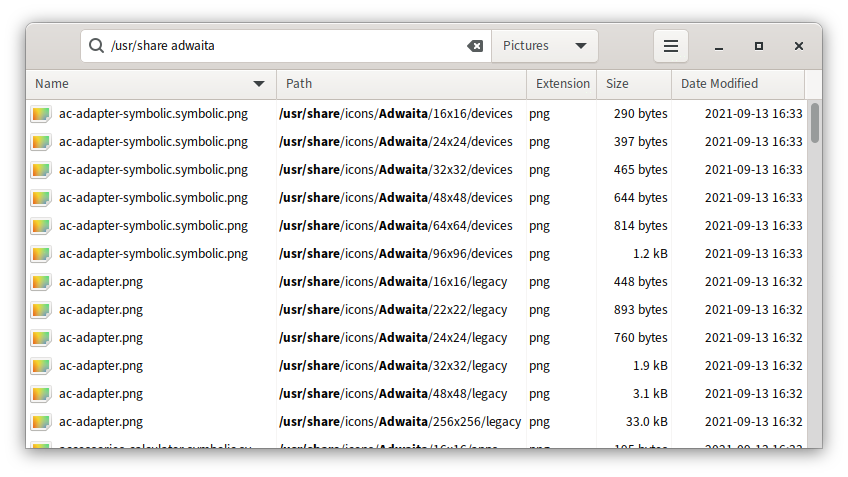
- Rapid Sorting: Instantly organize your search outputs by name, path, size, extension, or modification time.
Understanding the Sandboxing Environment
It is worth noting that if you run the application via Flatpak, certain sandboxing limitations apply. Due to these security restrictions, the tool may not have permission to index or display every single directory on your system by default. Users should configure folder permissions accordingly to get the most out of their system scans.
Is It Right For You?
If you are tired of slow indexing and want a dedicated, lightweight interface to manage your local storage queries, this tool is an exceptional addition to your productivity suite. To try it out on your system, visit the official Flathub store page today to explore its installation options.
Rate the App
User Reviews















Popular Apps










Editor's Choice