
Latest Version
Gamixio
Health
Windows
Free
9nggmrpq5bxj
Report a Problem
More About TimePilot - Automatic Productivity Tracker
Picture this: you sit down at your computer for a productive morning, but by lunch, you are wondering where the hours actually went. If you struggle to account for your screen time, TimePilot - Automatic Productivity Tracker offers a seamless way to demystify your workday. Rather than forcing you to manually start and stop timers every time you switch tasks, this intelligent utility quietly maps out your activity in the background, giving you an honest, data-driven look at your daily habits.
How TimePilot - Automatic Productivity Tracker Works
Developed by Gamixio, this native Windows application is built to eliminate the friction of traditional time management. Instead of intrusive pop-ups, the software operates silently, capturing how you spend your active hours. This allows professionals, creatives, and students to maintain deep focus without the constant interruption of manual logging.
Key Features for Smarter Workflows
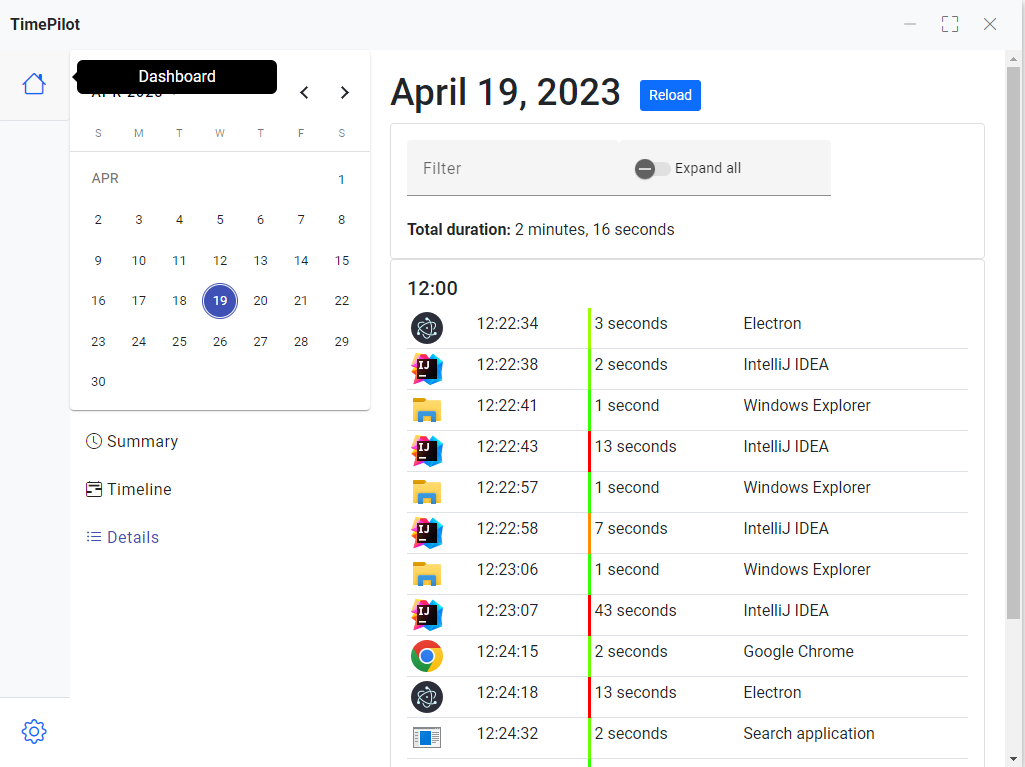
- Seamless Background Monitoring: The core of the application lies in its hands-free tracking, letting you focus entirely on your immediate priorities while your timeline is populated automatically.
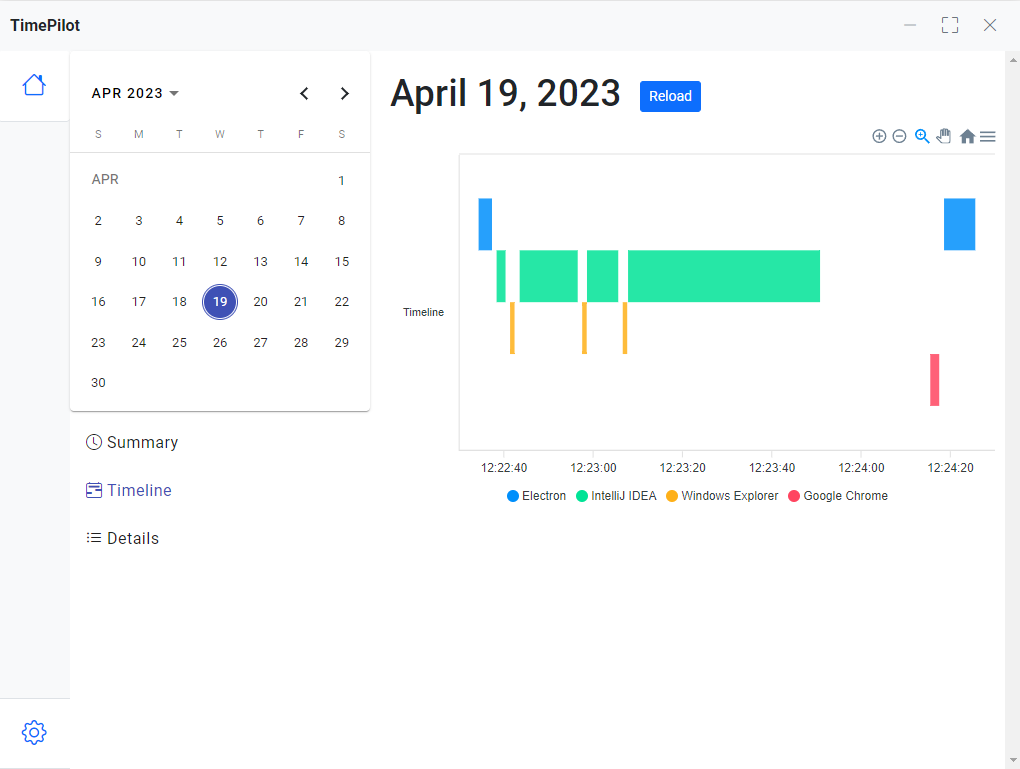
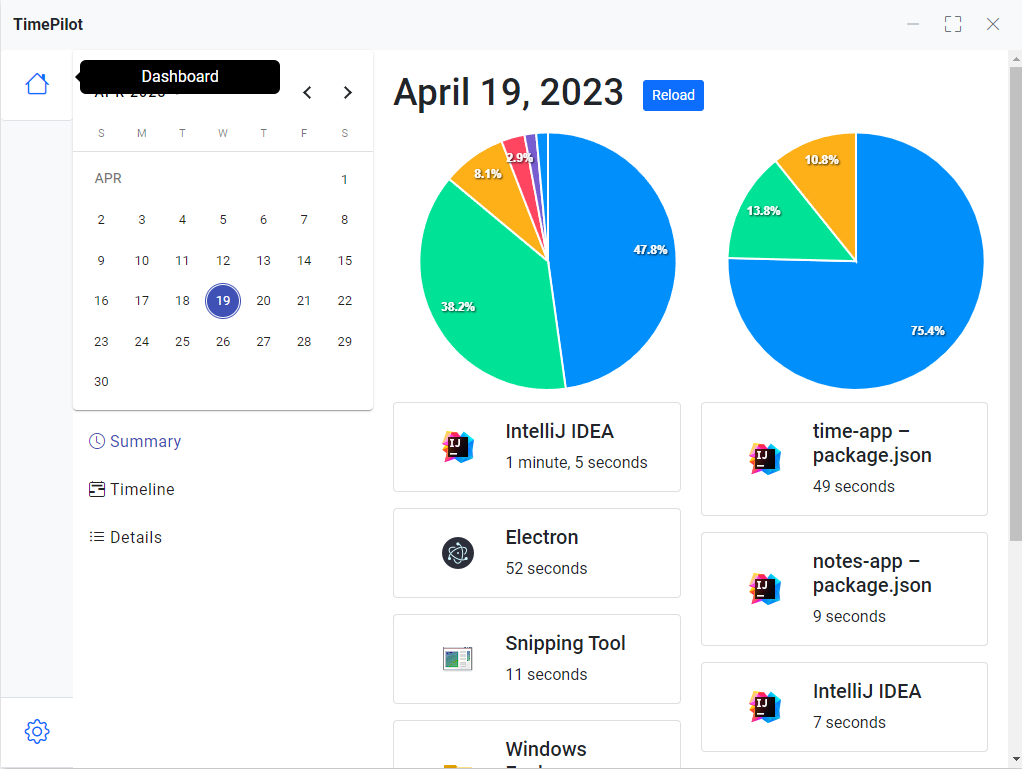
- Visual Analytics: Transform raw data into actionable insights with vibrant pie charts and detailed timelines that highlight exactly where your efficiency peaks or drops.
- Integrated Kanban Boards: Organize your workflow directly within the app. You can create customized, color-coded columns, drag and drop tasks, and maintain a clear visual overview of your active projects.
- Native Windows Experience: Designed specifically for modern Windows environments, the app features a clean, responsive interface, native notifications, and familiar desktop shortcuts.
Who Can Benefit Most From This Tool?
The beauty of TimePilot - Automatic Productivity Tracker is its adaptability across different roles. Freelancers can easily monitor hours spent on various client deliverables to generate accurate, professional reports. Students can balance study blocks, research sessions, and leisure time with clear visual breakdowns. Meanwhile, teams and remote professionals can utilize the integrated task boards to organize daily milestones and maintain steady momentum without administrative bloat.
Our Verdict: A Frictionless Path to Better Habits
By blending passive monitoring with active task organization, this tool bridges the gap between planning your work and executing it. If you are ready to take control of your daily schedule and eliminate wasted hours, we highly recommend exploring what this utility can do for your workflow. To try it out for yourself, head over to the official Microsoft Store to download the application and start optimizing your time today.
Rate the App
User Reviews















Popular Apps









Editor's Choice